
Cyanogen
Tools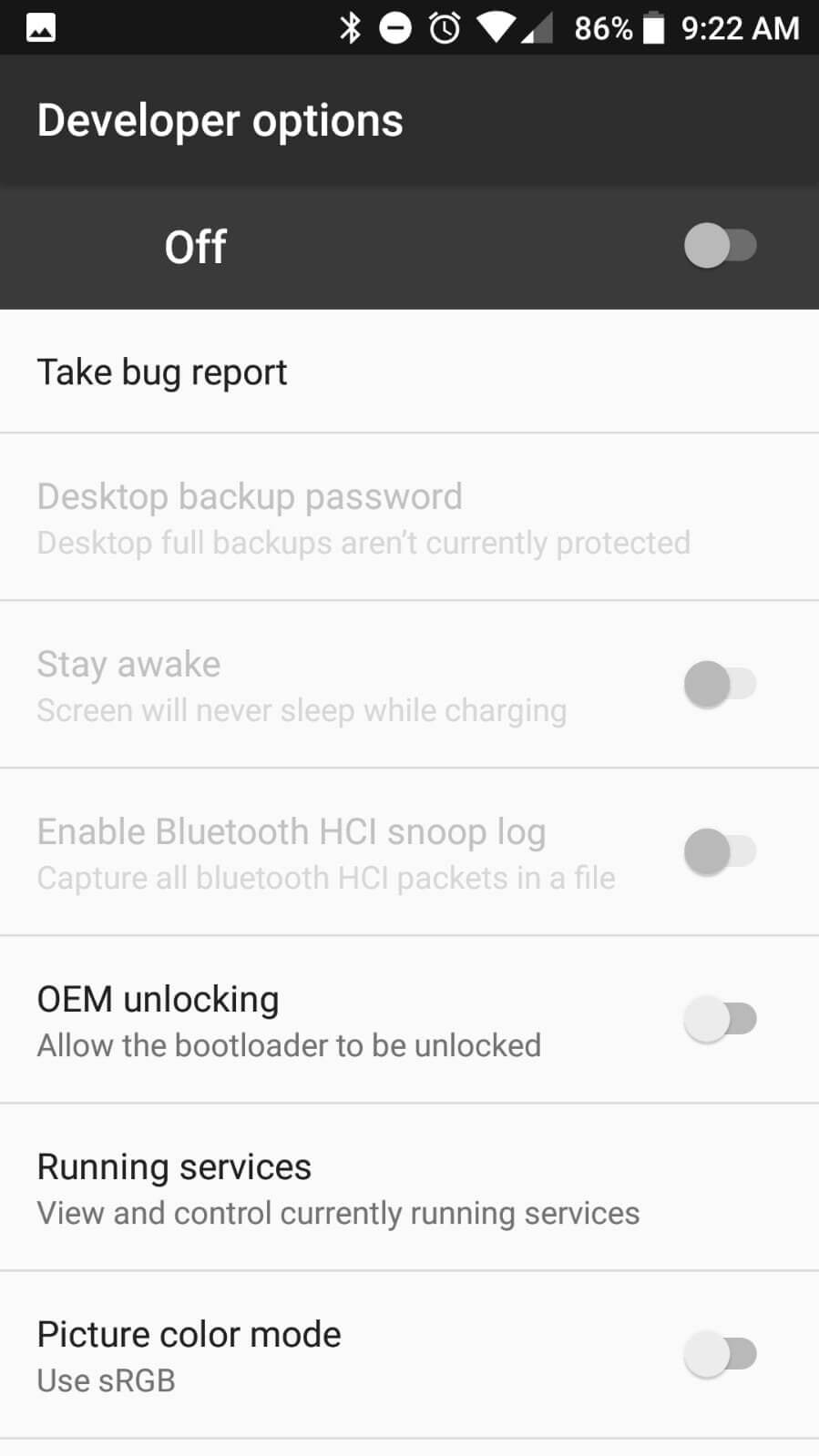
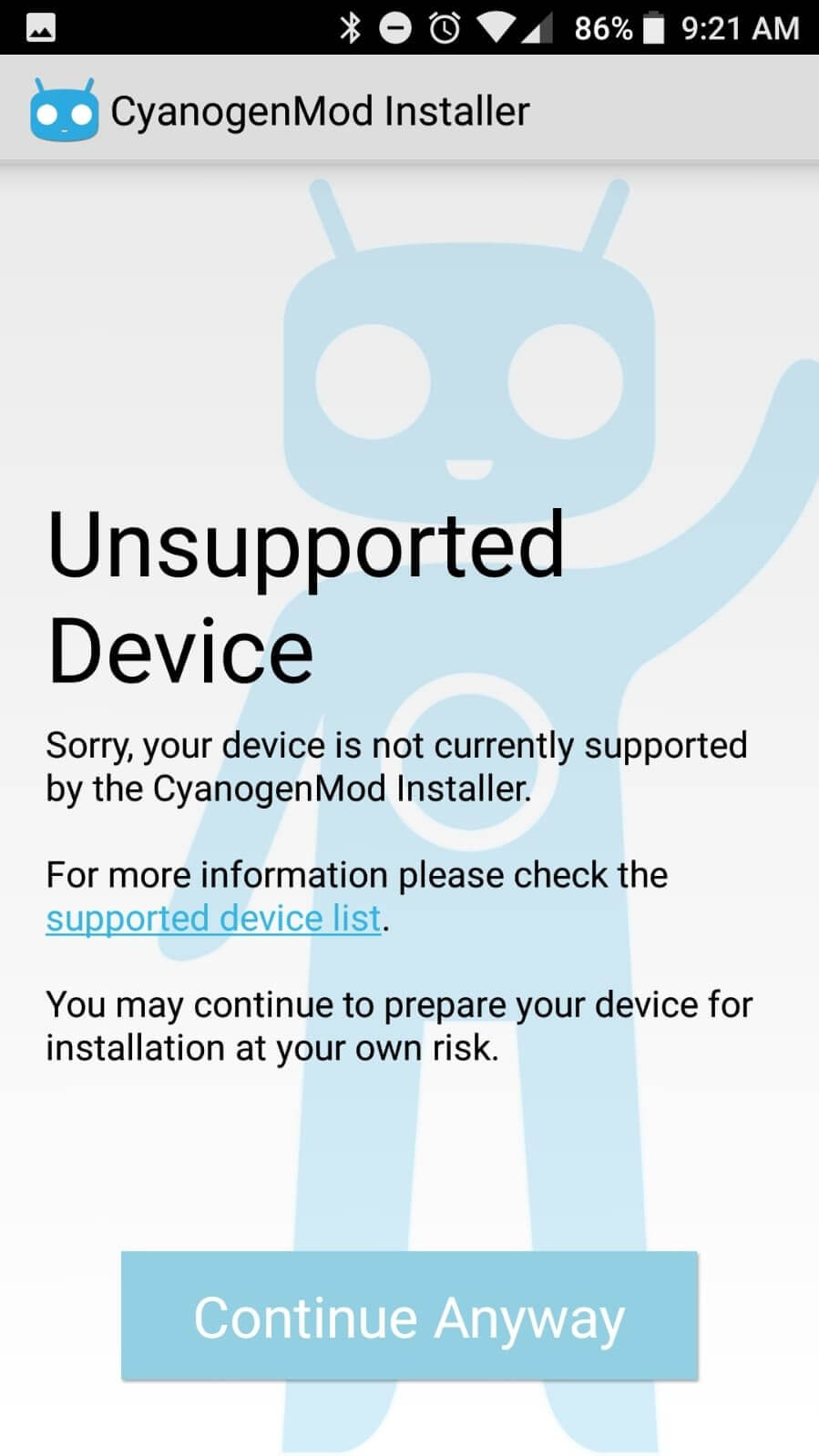
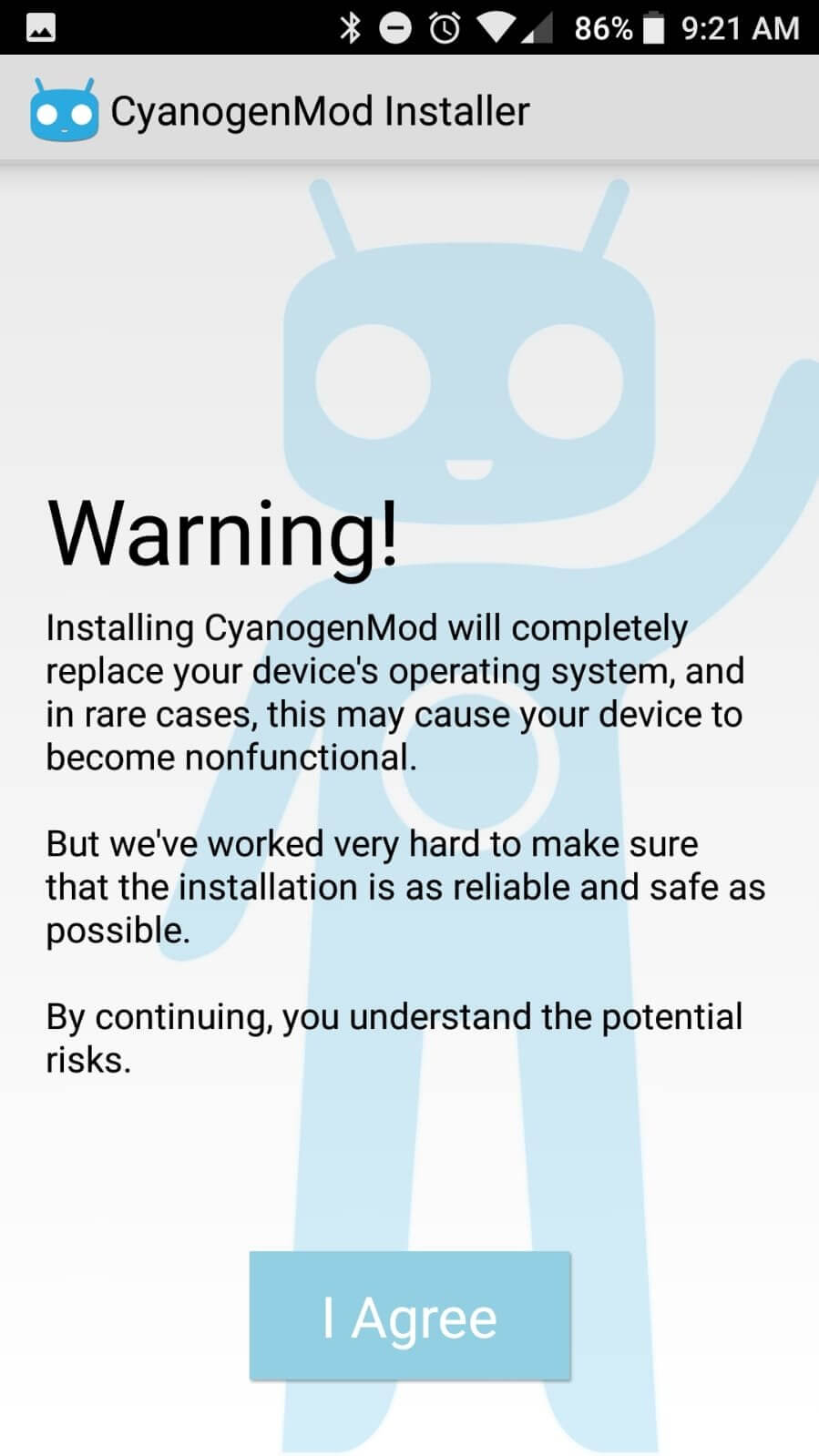

Cyanogen is a lightweight Android app that streamlines the installation of CyanogenMod custom firmware. It guides you through the process with clear steps, eliminating the need for manual rooting or bootloader unlocking.
The tool is aimed at users who want the extra features and performance tweaks of CyanogenMod without dealing with complex command‑line procedures. This page provides the download, basic installation guide, and safety tips.
Quick Information
| App/Game Name | Cyanogen |
| Latest Version | 1.0.1.4 |
| Developer | Not listed |
| Category | Apps / Tools |
| App Size | 1.71 MB |
| Package Name | org.cyanogenmod.oneclick |
| Last Updated | 14 January 2026 |
What Is Cyanogen?
Cyanogen acts as a one‑click installer for the CyanogenMod firmware. Its core purpose is to simplify the setup by handling the necessary flashing steps behind the scenes. The app is suitable for Android enthusiasts who prefer a custom ROM but lack the technical know‑how to perform a manual install.
Key capabilities include:
- Guided installation flow for CyanogenMod.
- Automatic handling of required files without manual rooting.
- Clear on‑screen instructions to reduce errors.
Limitations: the app only installs CyanogenMod and does not provide other custom ROM options. It also relies on a compatible device and a stable internet connection for downloading the firmware.
Compatibility
| Android Version | Not Verified |
| Architecture (ARM64 / 32-bit) | Not Verified |
| Internet Connection | ✓ Verified — May be required for ads, updates, or login |
| Storage Needed | Not Verified |
| OBB/Data Files | Not Verified |
| Root Required | ✓ Verified — This app needs root access |
How to Install
- Enable Unknown sources in Settings > Security (or Settings > Apps > Special access > Install unknown apps).
- Download the Cyanogen APK file to your device.
- Open the downloaded file and tap Install.
- Launch Cyanogen after installation and follow the on‑screen wizard to download and flash CyanogenMod.
- When the process finishes, the device will reboot into the new CyanogenMod system.
Troubleshooting
- App not installed – Verify that the APK is complete and that the device allows installations from unknown sources.
- Crashes on startup – Clear the app cache (Settings > Apps > Cyanogen > Storage > Clear cache) and try again.
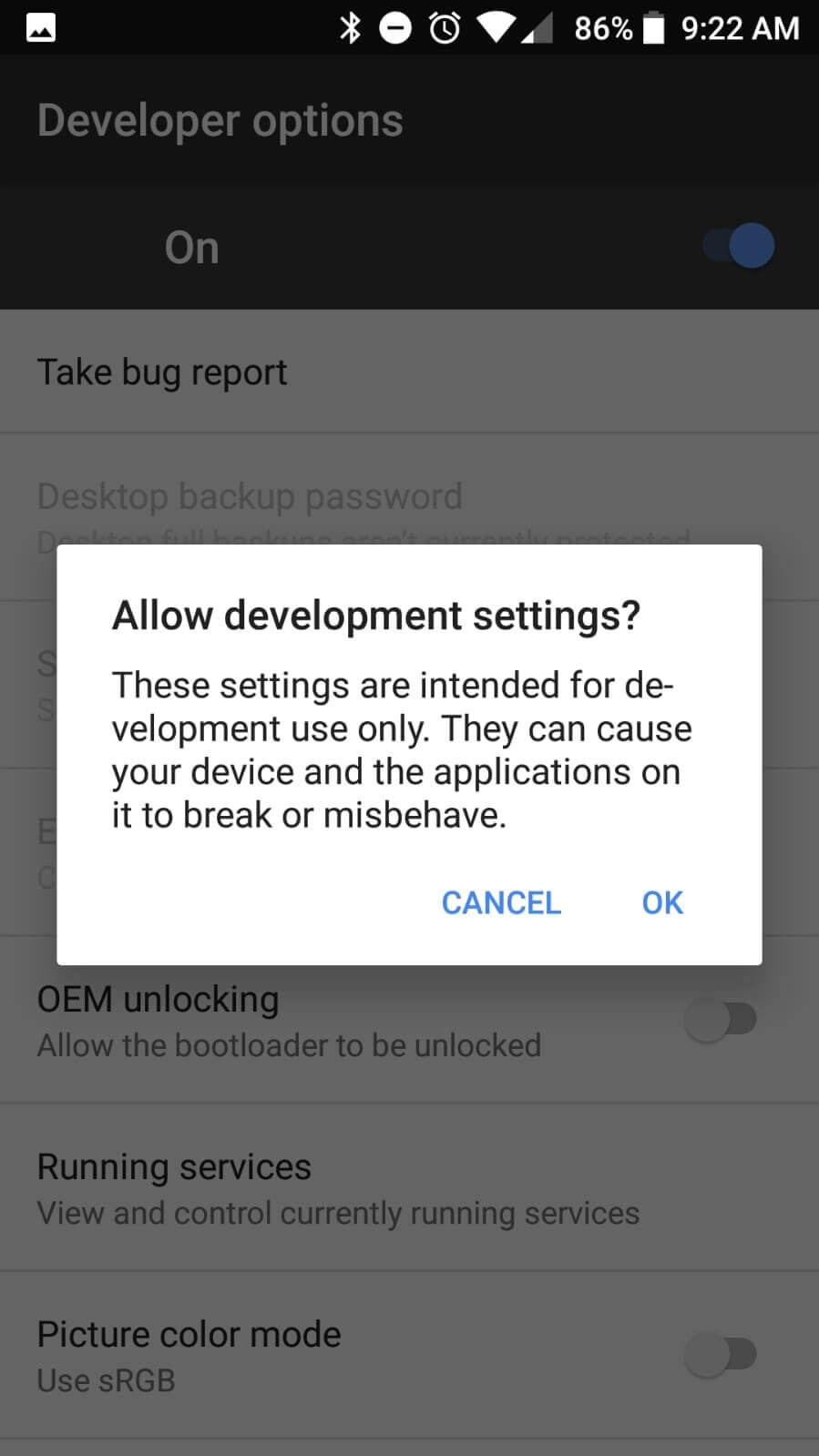
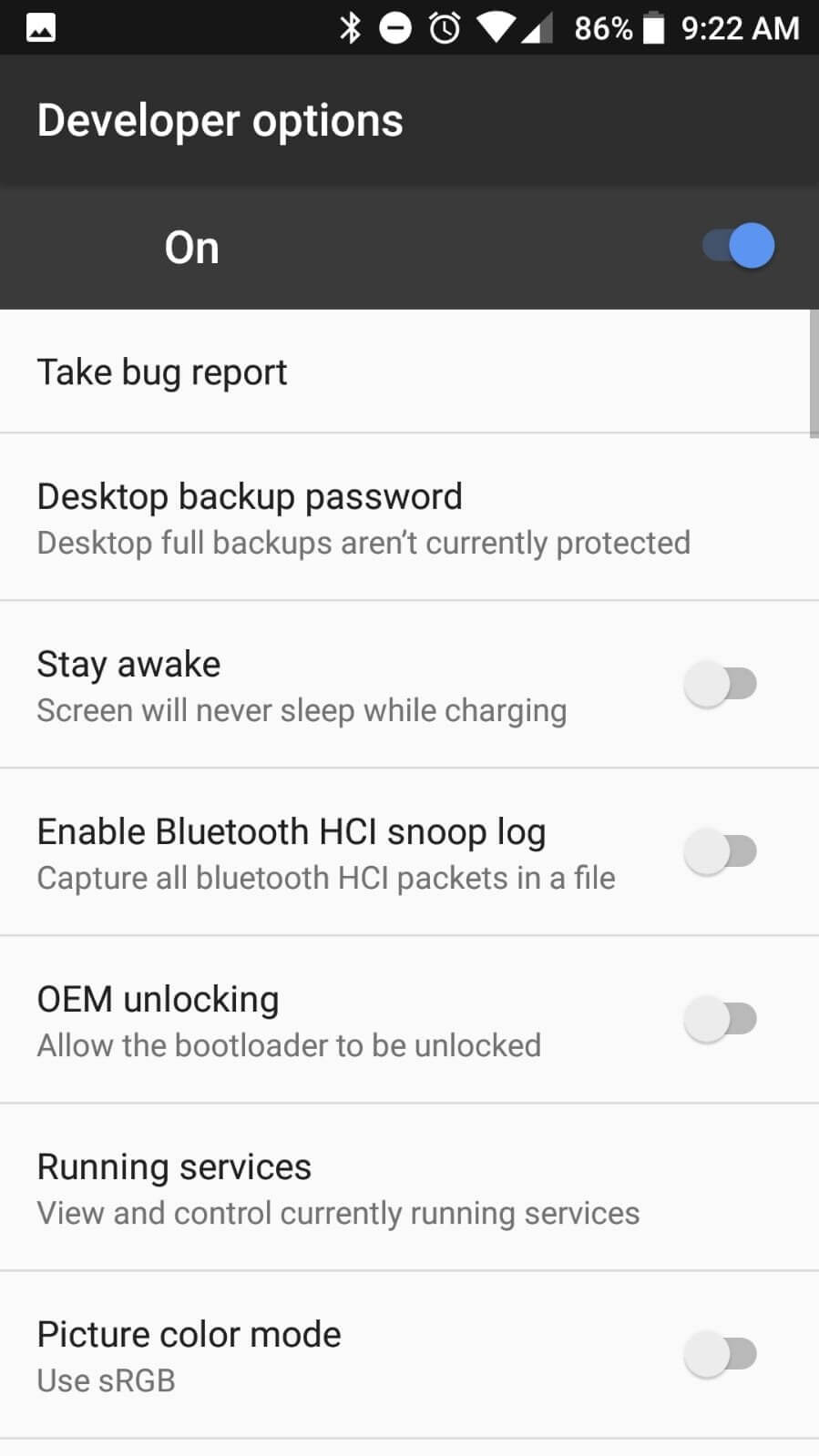
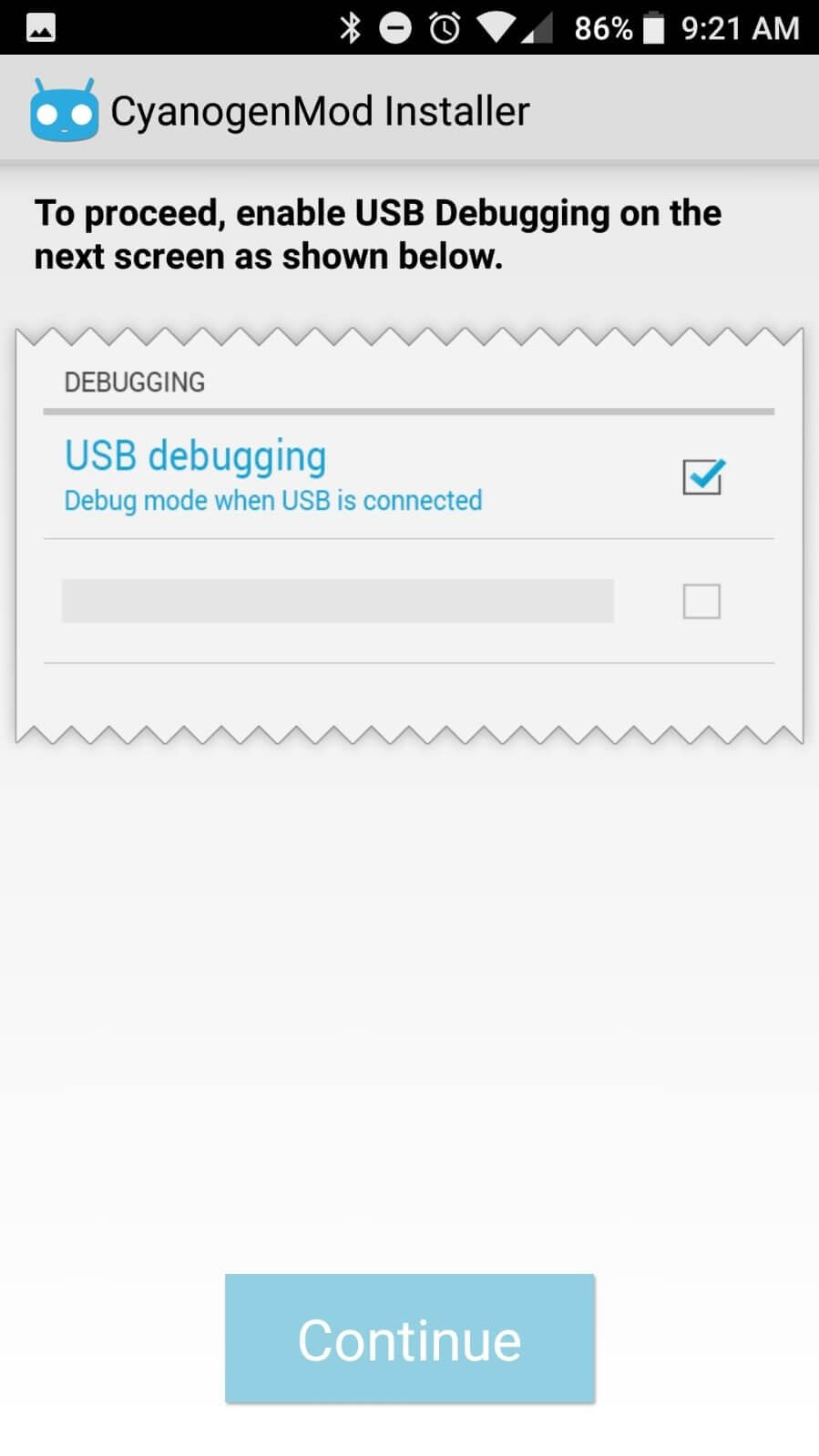
- Installer cannot detect device – Ensure USB debugging is enabled and that the device is connected via a stable USB cable.
- Download or flash fails – Check your internet connection and make sure there is enough free storage (at least 1 GB) for the firmware files.
Safety & Security
Because Cyanogen is a modified installer, download it only from a trusted source. Review the permissions it requests; typical permissions include storage access for saving firmware files and network access for downloading the ROM.
Avoid entering personal or banking information within the app. Keep in mind that future updates to CyanogenMod may require a newer version of the installer, and using an outdated build could lead to compatibility issues.
How Cyanogen Compares
| Feature | Cyanogen | Flashify | TWRP |
|---|---|---|---|
| Price / Free model | Free | Free | Free (open‑source) |
| Platform availability | Android | Android | Android (recovery environment) |
| Standout feature | One‑click CyanogenMod installer | Flash ZIPs and boot images without reboot | Full custom recovery with backup & restore |
| Best for | Users who want CyanogenMod quickly | Advanced users flashing various ZIPs | Power users needing full recovery control |
Alternatives
Other tools that can help install custom ROMs include:
- Flashify – Lets you flash ZIPs, boot images, and recovery files directly from Android.
- TWRP (Team Win Recovery Project) – A custom recovery that provides backup, restore, and flashing capabilities.
- Rashr – A simple flashing utility focused on flashing ZIPs and OTA updates.
Final Verdict
Cyanogen offers a straightforward way to install CyanogenMod for users who prefer a guided experience over manual flashing. It’s lightweight, free, and requires no rooting, making it accessible to a broad audience. However, it only supports CyanogenMod, so those looking for other ROMs will need a more versatile tool like Flashify or TWRP. Verify the source, check permissions, and ensure your device meets the basic requirements before installing.
Frequently Asked Questions
Cyanogen is safe when downloaded from a reputable source and when you review the permissions it requests. Avoid entering sensitive data in the app.
The app works on most Android versions, but a stable internet connection and at least Android 5.0 are recommended.
No, Cyanogen handles the installation without requiring root access or bootloader unlocking.
Cyanogen is designed specifically for CyanogenMod; for other ROMs you’ll need a more general flashing tool.
Make sure you have enabled installations from unknown sources and that the APK file is complete and not corrupted.
Flashing a new ROM typically wipes internal storage, so back up important files before proceeding.
Yes, the installer can replace a previous version; however, uninstalling the old version first can avoid conflicts.
Only the latest version (1.0.1.4) is provided here; older builds are not listed.